How to Check If an Instagram Username Is Available
Check if an Instagram username is available in seconds, avoid false positives from deactivated accounts, and generate clean handle alternatives.

Disclosure: Independent guide from Fuxux. We are not affiliated with the platforms or third-party tools mentioned in this article. Product names belong to their owners.
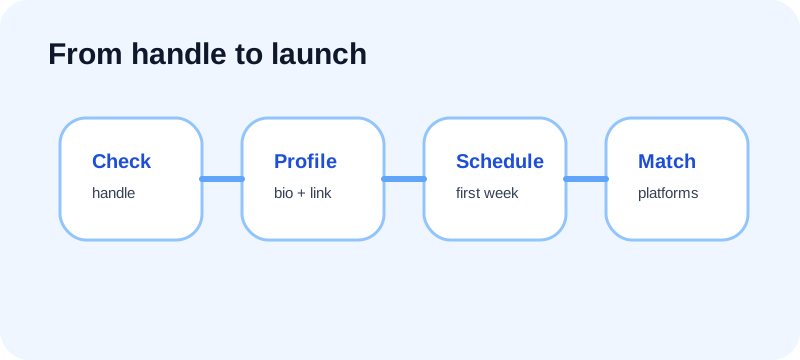
Best workflow: validate the format, open the profile URL, confirm inside the app, then claim matching handles on your other platforms before announcing the name.
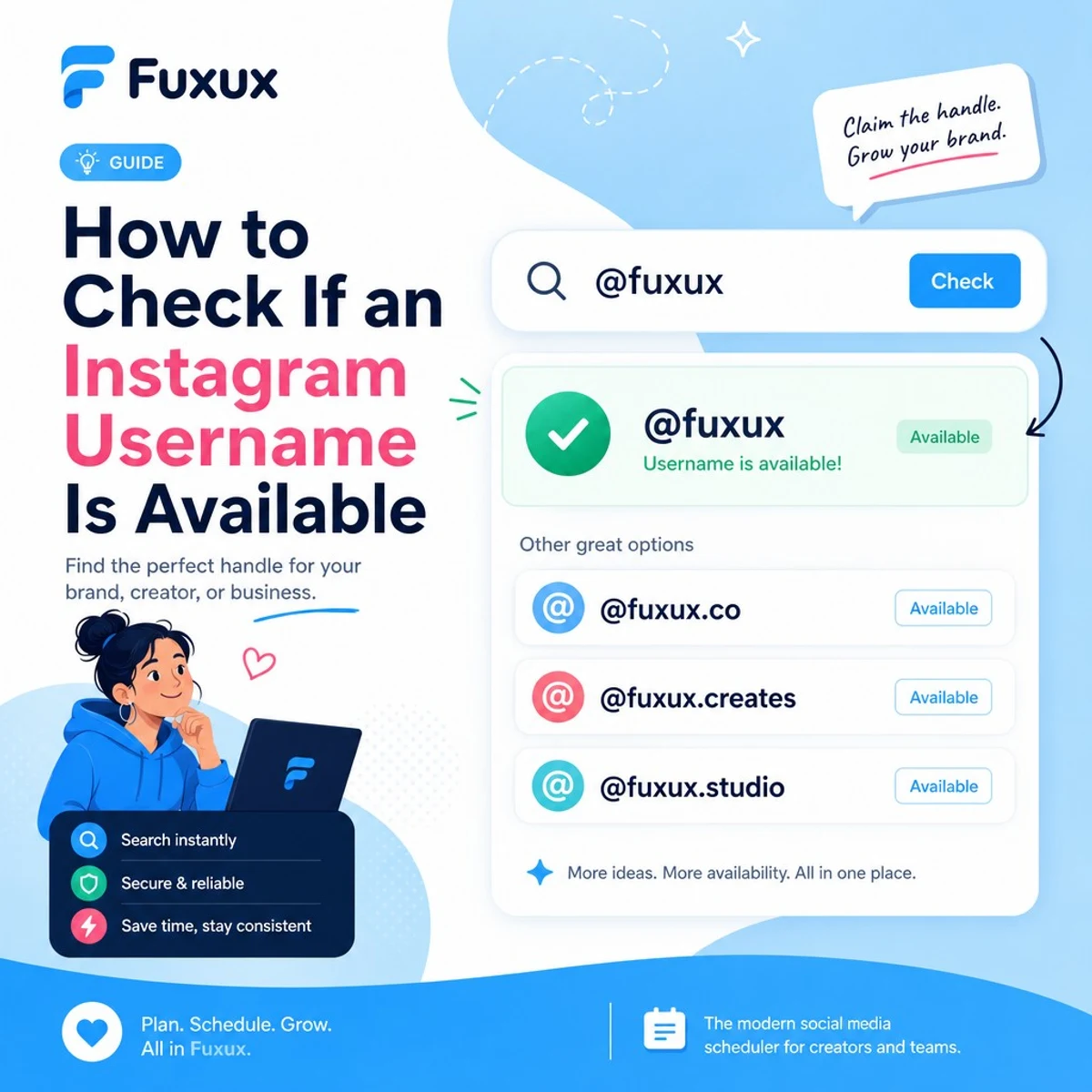
Quick answer: how to check availability
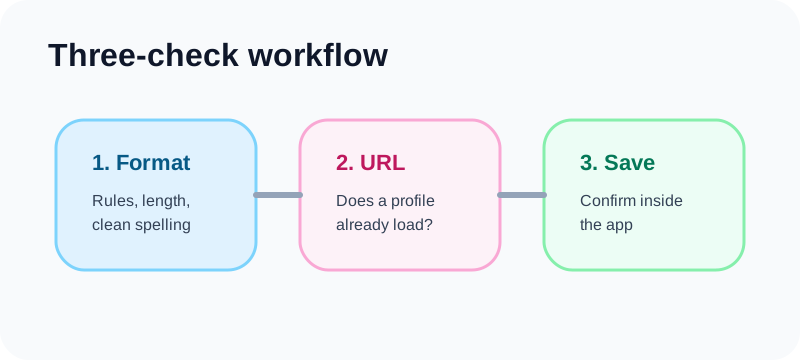
Use three checks. Each one answers a different question, and together they reduce false confidence.
1. Validate the format
A handle can be rejected before availability even matters. It must follow the platform's username rules: no spaces, no unsupported symbols, and a maximum length of 30 characters. Periods and underscores are usually acceptable, but avoid messy patterns that look like spam.
2. Open the profile URL
Type the handle into a browser as a direct URL. For example, use instagram.com/examplehandle. If a profile loads, the handle is taken. If the page is unavailable, the name is worth testing further.
3. Confirm in Edit Profile or account setup
The final answer comes from the username field inside Instagram. If the app lets you save the handle, you own it. If the app rejects it, move to another option even if the public URL looked empty.
Use the free handle checker first
The free Instagram handle checker runs in your browser. It validates the handle against common username rules, normalizes the text, suggests cleaner alternatives, and opens the profile URL in a new tab.
What the tool can confirm
It can tell you whether the text follows common username rules. It also helps you check the public profile URL quickly, which is useful when you are comparing several ideas.
What the tool cannot promise
No third-party checker should promise guaranteed availability unless it is the official platform letting you save the handle. A missing public profile can still be reserved, banned, recently changed, or blocked by policy.
Why this still saves time
Most username searches fail because the format is messy or the obvious profile already exists. A browser-based checker lets you clean up ideas quickly before you spend time changing account settings.
Username rules to know before searching
Good handles are short, readable, and easy to say out loud. They also follow the platform's technical limits.
Keep it under 30 characters
Long handles are harder to remember and easier to mistype. If your brand name is long, shorten it naturally instead of cramming every word into the username.
Use only safe characters
Stick with letters, numbers, periods, and underscores. Avoid special characters in your brainstorming document so you do not build a brand around a handle that cannot be used.
Avoid official-looking names
Do not use words that imply platform support, verification, or impersonation. Meta's username guidance and account policies are designed to prevent confusion and abuse.
Why a username can look free but still fail
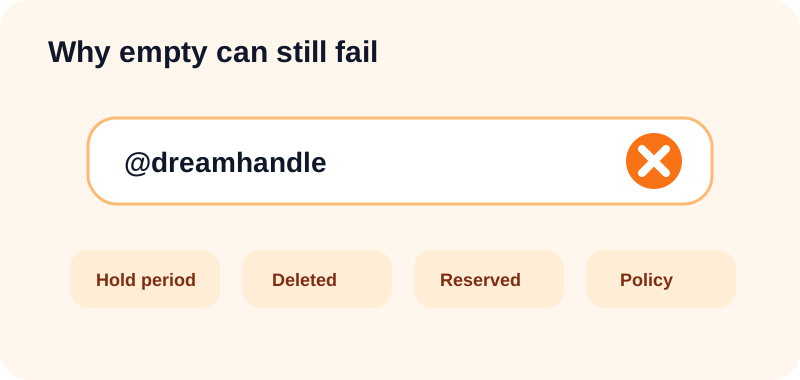
This is the frustrating part. A handle can appear unused in public search and still be unavailable when you try to claim it.
Recent username changes
When someone changes a handle, the old one may not return instantly. There can be a holding period that prevents sniping and protects the previous owner.
Deleted or disabled accounts
A deleted profile may not release its old name. Meta notes in its account deletion guidance that you may not be able to sign up again with the same username after deletion.
Reserved or blocked words
Some names are blocked because they are offensive, misleading, reserved, or too close to protected brands. If the app rejects the name, treat that as the deciding signal.
Invisible account states
Some profiles are difficult to discover through search but still occupy a name. A direct URL and in-app confirmation are more reliable than search alone.
What to do if your first choice is taken
Do not pause your launch for one perfect handle. A clear variation usually beats waiting months for a name that may never become free.
Add a simple qualifier
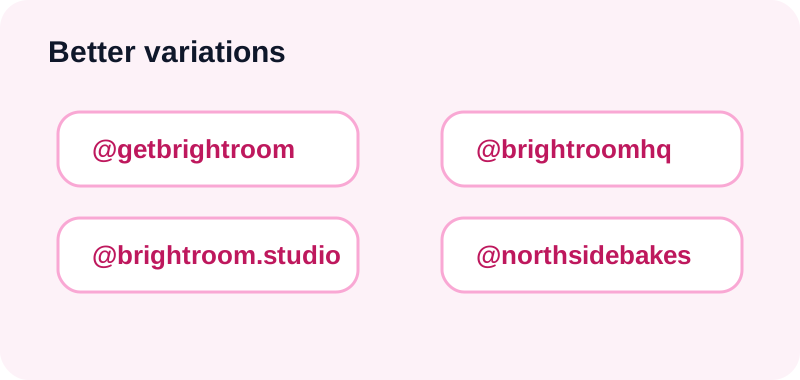
Try prefixes or suffixes like get, try, use, hq, app, or studio. For example, a product called Brightroom could use @getbrightroom or @brightroomhq.
Use a niche or location word
If your account serves a specific market, add a relevant word. A photographer might use @maralens.studio. A local bakery might use @northsidebakes.
Use one separator at most
A period or underscore can work when it improves readability. Multiple separators make the handle harder to say and easier to mistype.
Avoid random numbers
Numbers are not always bad, but random strings look low-trust. Use meaningful numbers only when they are part of the brand, location, or established identity.
Can you claim an inactive username?
Usually, no. There is no simple public process that lets you claim a username just because the current account has not posted recently.
Do not harass the account owner
You can send one polite message if contact is appropriate, but repeated messages are spam. Silence is an answer.
Do not buy the handle
Buying or selling account access is risky and can violate platform rules. It also attracts scams because the buyer has little protection.
Use trademark channels only when legitimate
If another account is impersonating your registered brand, use Meta's official intellectual property or impersonation reporting paths. This is not a shortcut for handles you simply prefer.
How to choose a handle that grows with you
Your handle should still make sense six months from now. Avoid names that lock you into one temporary campaign, city, product, or trend unless that is truly your long-term identity.
Make it easy to say
If someone hears the handle in a podcast, video, or conversation, they should be able to type it without asking for spelling instructions.
Match your other platforms
Check TikTok, YouTube, LinkedIn, X, Threads, Bluesky, Pinterest, and Facebook before you commit. Perfect matching is not always possible, but a consistent pattern is worth the effort.
Think about search intent
A descriptive handle can help people recognize you faster. If your exact brand is unavailable, a category word may create a stronger handle than a random abbreviation.
After you claim the handle
Once the name is saved, finish the profile while the decision is fresh.
Update your bio and profile photo
People who land on a new profile need context immediately. Explain who the account is for, what you post, and why someone should follow.
Reserve the same name elsewhere
Even if you do not plan to post everywhere yet, reserve important handles before someone else takes them. This protects your future content strategy.
Start with a small content calendar
A good username helps people find you. Consistent content gives them a reason to stay. Plan a week of posts before your announcement so the account does not look empty.
How scheduling fits into the workflow
A scheduler helps after the handle decision by turning your profile launch into a repeatable content plan.
Check the handle for free
Use the browser-based handle checker to validate format, open the profile URL, and brainstorm alternatives without sharing a password.
Schedule your launch posts
Prepare your first posts, Reels, and cross-platform captions in advance. A new handle is easier to remember when people see it repeatedly in useful content.
Keep the naming consistent
When you schedule across multiple networks, use the same handle pattern in captions, bios, and calls to action. That consistency reduces confusion.
FAQ
Is a missing profile page proof that a username is free?
No. It is a strong signal, not proof. Confirm in the official username field before you announce or print the handle anywhere.
Can I reserve a username without using it?
You can create or update an account to hold a name, but there is no separate reservation feature. Follow platform rules and avoid misleading account names.
Can two accounts have the same username?
No. Usernames are unique. Display names can repeat, but the handle after the @ symbol is unique.
Should I use my exact business name?
Use it if it is short, available, and clear. If not, choose a clean variation that people can remember and type.
Should I change my username after I already have followers?
Only if the new handle is clearly better. Update your bio, links, website, email signature, and scheduled content so followers do not get confused.
Final checklist
- Write 5 to 10 handle ideas.
- Validate format with the free checker.
- Open the direct profile URL.
- Confirm inside the app before announcing.
- Claim matching handles on other platforms.
- Update your bio, link, and profile photo.
- Schedule your first week of content.
A handle is a small line of text, but it shapes how people find and remember you. Check it carefully, choose a clean variation if your first idea is taken, and then start posting with a steady plan. When you are ready to move from naming to publishing, check your handle and build your launch schedule.
Publishing to Instagram regularly? See how scheduling works for Instagram.
About the author
I build Fuxux, a scheduler that publishes to 12 platforms from one queue. I write about the parts of posting that are actually fiddly — what each platform will and won't let you schedule natively, where the API limits bite, and how to keep a queue running without babysitting it.
Ready to post smarter?
Fuxux handles the scheduling, the formatting, and the AI captions — so you can focus on ideas.
Start free — no credit card