
How to Schedule Social Media Posts with MCP (Claude, Cursor)
Connect Claude or Cursor to a scheduler's MCP server, then schedule posts in plain language. Setup, example prompts, limits, and a drafts-first workflow.
 Bob CraftingOct 3
Browse practical guides on social media scheduling, platform-specific growth, free creator tools, and workflows you can run in Fuxux — a multi-platform scheduler with AI captions and a visual calendar.
Looking for a social media scheduler? Fuxux helps you plan posts, write AI captions per platform, and publish to Instagram, TikTok, LinkedIn, X, YouTube, and more from one calendar.
Connect Claude or Cursor to a scheduler's MCP server, then schedule posts in plain language. Setup, example prompts, limits, and a drafts-first workflow.
Bob CraftingOct 3
Use 720×720 px JPG or PNG images under 5 MB and keep text under 1,500 characters. Video limits, post types, and why Google rejects posts, all on one page.
Bob CraftingSep 30
No — Instagram never shows who clicked, only counts. Learn where link taps appear in Insights, how UTM tags reveal which post drove each visit, and which tools to avoid.
Bob CraftingSep 26
Yes — X has free native scheduling in the composer, no Premium required. Learn the calendar-icon flow, the desktop-only limitation, and native vs multi-platform scheduling.
Bob CraftingSep 20
Yes — YouTube Studio has free native scheduling, up to 12 months out. Learn the Studio vs app mix-up, Shorts scheduling, Premieres vs Schedule, and mistakes to avoid.
Bob CraftingSep 15
Discord messages are capped at 2,000 characters, 4,000 with Nitro. See the limits for usernames, nicknames, server names, bios, and embeds too.
Bob CraftingSep 11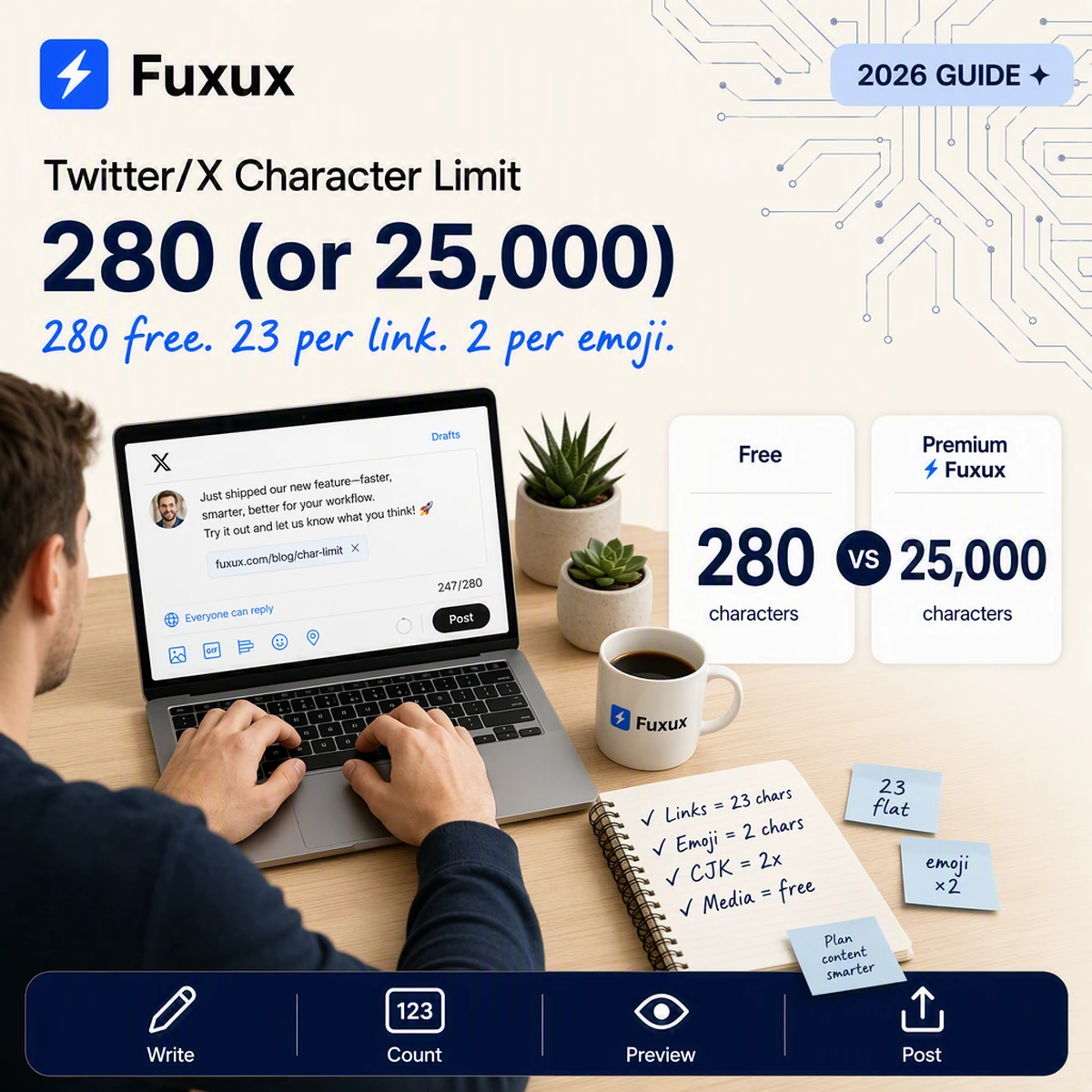
X gives free accounts 280 characters and Premium subscribers up to 25,000. Learn how links (23 chars flat), emoji, and CJK text are weighted inside that limit.
Bob CraftingSep 3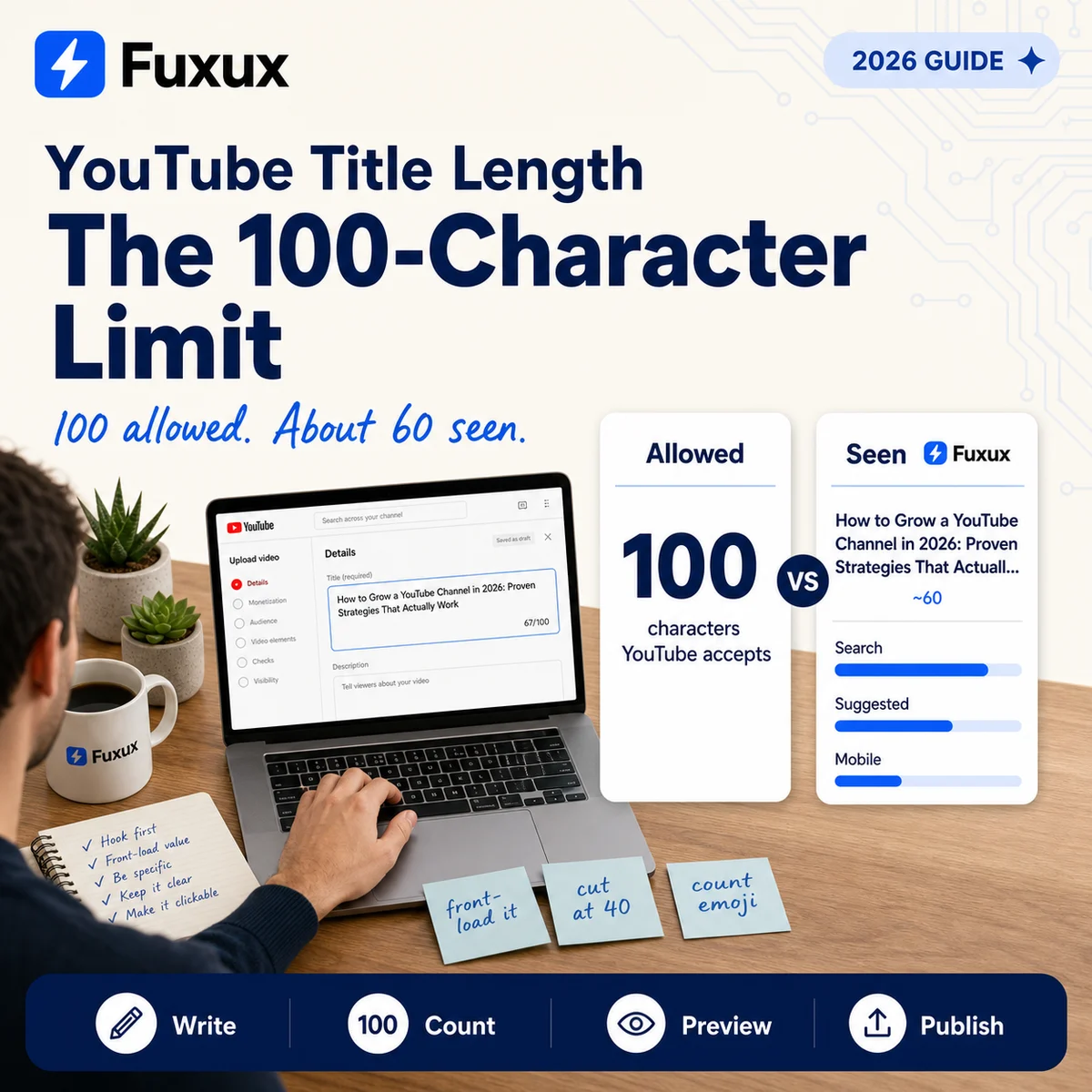
YouTube allows 100 characters in a video title and shows about 60. Where each surface truncates, and how to write titles that survive the cut.
Bob CraftingAug 28
Yes — Threads has free native scheduling. Use the composer's three-dot menu, find queued posts in drafts, and learn why replies cannot be scheduled.
Bob CraftingAug 22Every guide is written for creators who publish on more than one network. When a workflow clicks, move from reading to scheduling in Fuxux — plan posts on a visual calendar, draft AI captions per platform, and publish to Instagram, TikTok, LinkedIn, X, YouTube, and more without copy-paste between tabs. We cover scheduling comparisons, platform-specific growth, free creator tools, approval workflows, and AI caption tips you can apply the same week you read them.
Fuxux is a social media scheduler built for creators who cross-post daily. Use our free tools for Instagram grids, YouTube titles, and LinkedIn formatting, then schedule finished posts to every network from one calendar with AI captions per platform.
New articles land here first — from TikTok scheduling walkthroughs and Instagram carousel playbooks to LinkedIn document posts and YouTube Shorts monetization. Each guide is meant to be actionable: a checklist, template, or workflow you can run this week, not generic advice. Pair reading with our Instagram grid maker, title checkers, and caption tools, then queue finished posts in Fuxux when you are ready to publish on a consistent calendar.
Browse by topic: AI · Bluesky · Facebook · Guides · Instagram · LinkedIn · Monetization · Pinterest · Strategy · Threads · TikTok · Twitter/X · YouTube
Popular: Best scheduling tools · Free creator tools · Social media scheduler