Instagram Character Limit: Caption, Bio, Name and Hashtags
Instagram captions allow 2,200 characters, but only about 125 show before "more". Bio 150, username and name 30 each, and hashtags are now capped at 5.

Disclosure: Independent guide from Fuxux. We are not affiliated with Instagram or Meta, or with any third-party tool mentioned here. Product names belong to their owners.
An Instagram caption can be up to 2,200 characters. A bio can be 150. A username and a profile name are 30 each. Those are the limits most people are looking for, and they have been stable for years.
The number that has changed is hashtags. For a long time the answer was 30 per post. In December 2025 Instagram said it was moving posts and Reels to a maximum of five, and that is the number to plan for now. More on that below, including why you will still see 30 quoted in places that should know better.
Quick answer: caption 2,200 characters, of which roughly the first 125 show before "more". Bio 150. Username 30. Profile name 30. Hashtags: plan for 5 per post or Reel. Mentions: 20 per caption.
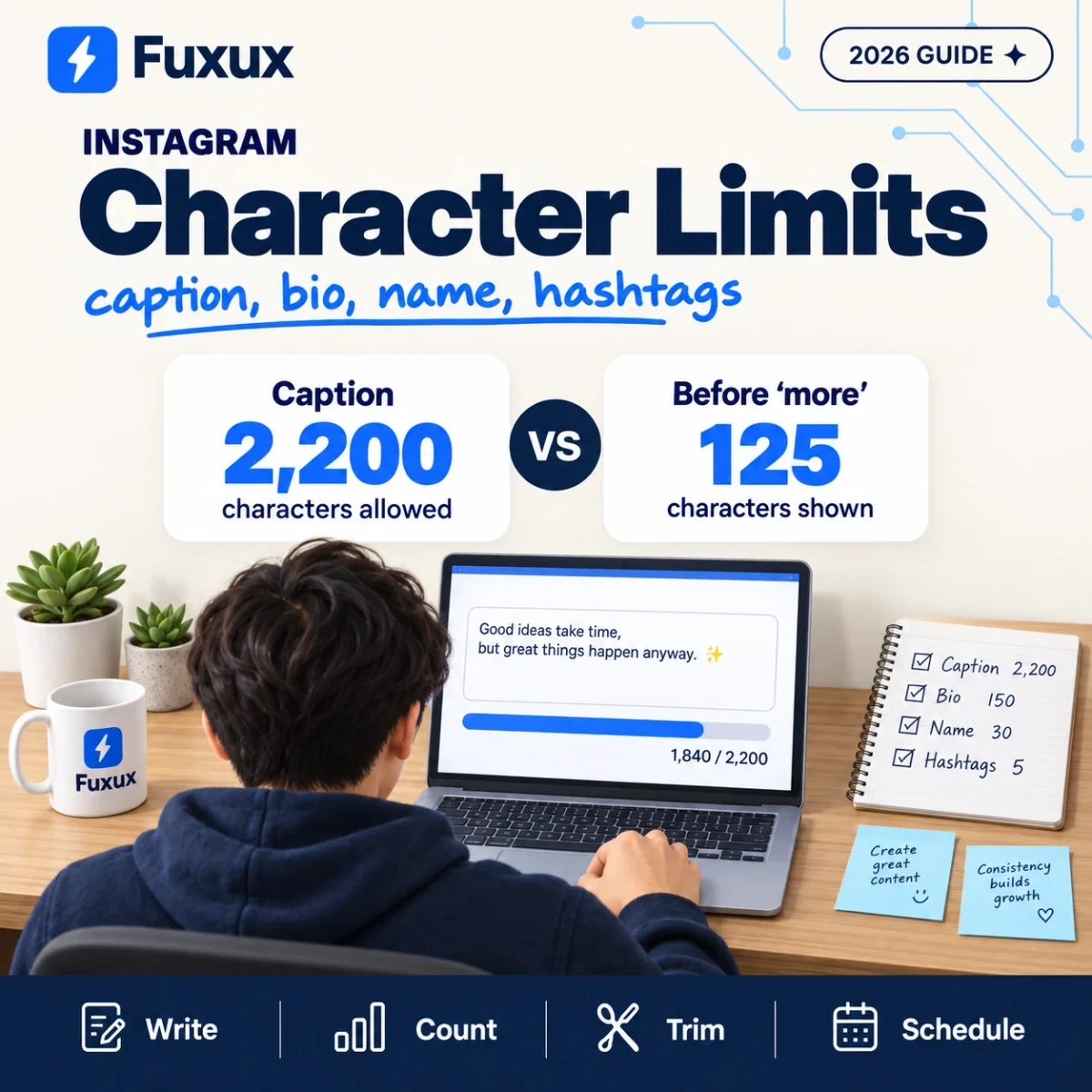
Every Instagram character limit in one table
The last column matters. Instagram publishes some of these numbers and not others. Where it does not, the figure comes from what the app lets you type, and it can change without an announcement.
| Where | Limit | How sure |
|---|---|---|
| Caption (post, carousel, Reel) | 2,200 characters | Published by Meta |
| Caption shown before "more" | About 125 characters | Observed, not published |
| Hashtags per post or Reel | 5 (was 30) | Announced December 2025; see below |
| Mentions (@) per caption | 20 | Published by Meta |
| Bio | 150 characters | Enforced by the app |
| Username (@handle) | 30 characters | Enforced by the app |
| Profile name (the bold line) | 30 characters | Enforced by the app |
| Notes | 60 characters | Enforced by the app |
| Comment | Usually quoted as 2,200 | Sources disagree; test before relying on it |
| Alt text | Usually quoted as 100 | Sources disagree; keep it short anyway |
If you only need to check one caption, paste it into the free Instagram character counter. It shows the count against 2,200, marks where the "more" cut falls, and has a separate field for the bio.
The caption: 2,200 allowed, about 125 seen
Meta's own documentation for the Instagram API states the caption limit plainly: a maximum of 2,200 characters. That applies to feed posts, carousels and Reels alike. Everything in the caption box counts toward it: letters, spaces, line breaks, emoji, hashtags and mentions.
The limit that shapes your writing is a different one. In the feed, Instagram shows the start of the caption and hides the rest behind "more". The cut falls at roughly 125 characters. Instagram does not publish that number, and it moves a little with the screen size and with where a line break lands, so treat it as a guide and not a wall.
What this means in practice:
- The first sentence does the work. If the point of the post only arrives in line four, most people never see it.
- Put the ask early or accept that few will read it. "Link in bio" at character 1,900 is a note to yourself.
- A line break near the top can cut the preview short. If your first line is five words followed by a blank line, those five words are the whole preview.
- Long captions are fine. People who tap "more" chose to read. The limit is generous so you can tell the whole story to them.
Does the Reels caption have a different limit?
No. A Reel's caption has the same 2,200 characters. What is different is how little of it shows: over a playing video you get about one line before it is cut. On a Reel, the words that matter are the ones on the video itself and the first few of the caption.
Hashtags: plan for five
This is the number that changed, and it is the one most guides still get wrong.
For years a post could carry up to 30 hashtags. In December 2025 Instagram announced that it would gradually reduce that to five hashtags per post or Reel. Its stated reason was that a few specific tags do more for a post than a long list of generic ones. The change was described as a gradual rollout, after a period in which some accounts had been limited to three.
Two things make this confusing:
- Meta's developer documentation still said 30 when this guide was written. The reference for publishing through the API read "Maximum 2200 characters, 30 hashtags, and 20 @ tags". Documentation often trails the app, but it is why scheduling tools and older articles keep quoting 30.
- A gradual rollout means accounts did not all change on the same day. If your app still accepts more than five, that is a matter of timing, not a different rule for you.
We could not open Instagram's own announcement to quote it directly, so this section rests on reports of it. The safe plan is the same either way: write posts that work with five tags. A post built for five is accepted under both rules. A post built for 30 is not.
Hashtags also cost characters. Each one counts toward the 2,200, including the # sign. Five tags are a rounding error; thirty used to eat a few hundred characters. For choosing them, see how many hashtags to use on Instagram.
Bio: 150 characters
The bio is the short text under your name. The app stops you at 150 characters, and that count includes spaces, line breaks and emoji.
Three things sit next to the bio and are not part of the 150:
- Your profile name, the bold line above it, has its own 30 characters.
- Links are added in their own field.
- The category label on a professional account ("Software company", "Artist") is picked from a list.
That gives you more room than 150 suggests. Put what you do in the profile name, since Instagram search reads it, and use the bio for who it is for and what to do next.
Username and profile name: 30 each
The username is your @handle. It can be up to 30 characters and can only contain letters, numbers, full stops and underscores. The profile name is the bold line on your profile. It also stops at 30 characters, and it can contain spaces and emoji.
They do different jobs. The handle is what people type and tag. The name is what people read, and it is searched. A handle can stay short and brandable while the name carries a keyword: "Lena | Wedding Photographer" does more than repeating the handle.
If you are still choosing a handle, the guide to checking whether an Instagram username is available covers how to test names before you commit to one.
How Instagram counts characters
For plain text, one letter is one character and so is a space or a line break. The surprises come from emoji.
Most software counts an emoji as two characters or more, because of how text is stored. A simple emoji is usually two. An emoji with a skin tone is usually four. A family emoji, which is several emoji joined together, can be eleven. We have not tested Instagram's count emoji by emoji, so we will not give you a rule for it. The practical advice is simple: if your caption is within about 50 characters of 2,200 and uses a lot of emoji, trim it.
Networks do not agree with each other on this. X counts any emoji as two and any link as 23. Bluesky counts an emoji as one. The same post has a different length on each, which is what the character counter for every platform shows side by side. The X rules are in the Twitter/X character limit guide.
What happens when you go over
- In the app, the caption box simply stops accepting text at the limit, or the post fails with a message when you try to share it. Nothing is cut silently.
- Through a scheduling tool, Instagram rejects the whole post. A caption of 2,201 characters is refused; it is not shortened for you. This is why a scheduler should check the length before the publish time, not at it.
- With too many hashtags, the post is refused or the extra tags are dropped, depending on where you posted from.
- In the bio, the field stops at 150.
A failed scheduled post is worse than a failed manual one, because you are not there when it fails. If you write captions ahead of time, count them when you write them.
Writing a caption that fits the first 125 characters
You do not need to write short captions. You need the opening to stand on its own. A structure that works:
- Line one: the point. What is this, or why should someone stop. Under about 100 characters, so it survives on small screens.
- Then the body. As long as it needs to be. Short paragraphs with a blank line between them read better than one block.
- Then the ask. One thing: save, comment, visit.
- Then up to five hashtags. At the end, where they do not interrupt.
Compare two openings for the same post:
- "Hi everyone! It has been a while since I last posted and so much has happened that I wanted to share with you all today..." (the preview ends before anything is said)
- "Three things I would do differently if I opened the studio again." (the preview is the whole promise)
The second is 63 characters and tells the reader what they get for tapping "more".
Limits when you schedule Instagram posts
Scheduled posts go to Instagram through Meta's API, and the same caption limit applies: 2,200 characters. There is no longer or shorter allowance for scheduled content.
Two differences are worth knowing:
- The check happens at publish time. If the caption is too long, you find out when the post was meant to go live, unless the tool checks earlier.
- Each network needs its own caption. A 2,000-character Instagram caption does not fit on X (280), Threads (500) or Bluesky (300). Cross-posting one caption everywhere fails on the short ones or wastes the long ones.
Fuxux shows the character count against each network's limit while you write, and lets you keep a separate caption per network in the same post, so the Instagram version can run long while the X version stays under 280. There is a free plan with 3 social accounts and 5 posts a month. If you post to several networks, how to cross post to multiple platforms covers the rest of the differences.
FAQ
What is the Instagram caption character limit?
2,200 characters, for feed posts, carousels and Reels. Spaces, line breaks, emoji, hashtags and mentions all count.
How many characters show before "more" on Instagram?
About 125. Instagram does not publish the exact figure, and it varies a little with the screen and with line breaks, so keep the important part of your first line under about 100 characters.
How many hashtags can I use on Instagram in 2026?
Plan for five per post or Reel. Instagram announced the move from 30 to five in December 2025 as a gradual rollout. Some documentation and many older articles still say 30.
What is the Instagram bio character limit?
150 characters, including spaces, line breaks and emoji. Your profile name, links and category label are separate fields and do not use the 150.
How long can an Instagram username be?
Up to 30 characters, using only letters, numbers, full stops and underscores. The profile name shown in bold is a separate field, also limited to 30 characters.
Do emoji count as one character on Instagram?
Usually more than one. A simple emoji generally counts as two and combined emoji as more. If a caption full of emoji is close to 2,200, leave some room.
Do hashtags count toward the 2,200 characters?
Yes. Every character of a hashtag counts, including the # sign, and so does every mention.
Is the caption limit different for Reels?
No, it is the same 2,200 characters. Less of it is visible over the video, so the first few words matter even more.
What happens if my scheduled Instagram caption is too long?
Instagram refuses the post; it does not shorten the caption. Check the length when you write the caption, not when it is due to publish.
Publishing to Instagram regularly? See how scheduling works for Instagram.
About the author
I build Fuxux, a scheduler that publishes to 12 platforms from one queue. I write about the parts of posting that are actually fiddly — what each platform will and won't let you schedule natively, where the API limits bite, and how to keep a queue running without babysitting it.
Ready to post smarter?
Fuxux handles the scheduling, the formatting, and the AI captions — so you can focus on ideas.
Start free — no credit card